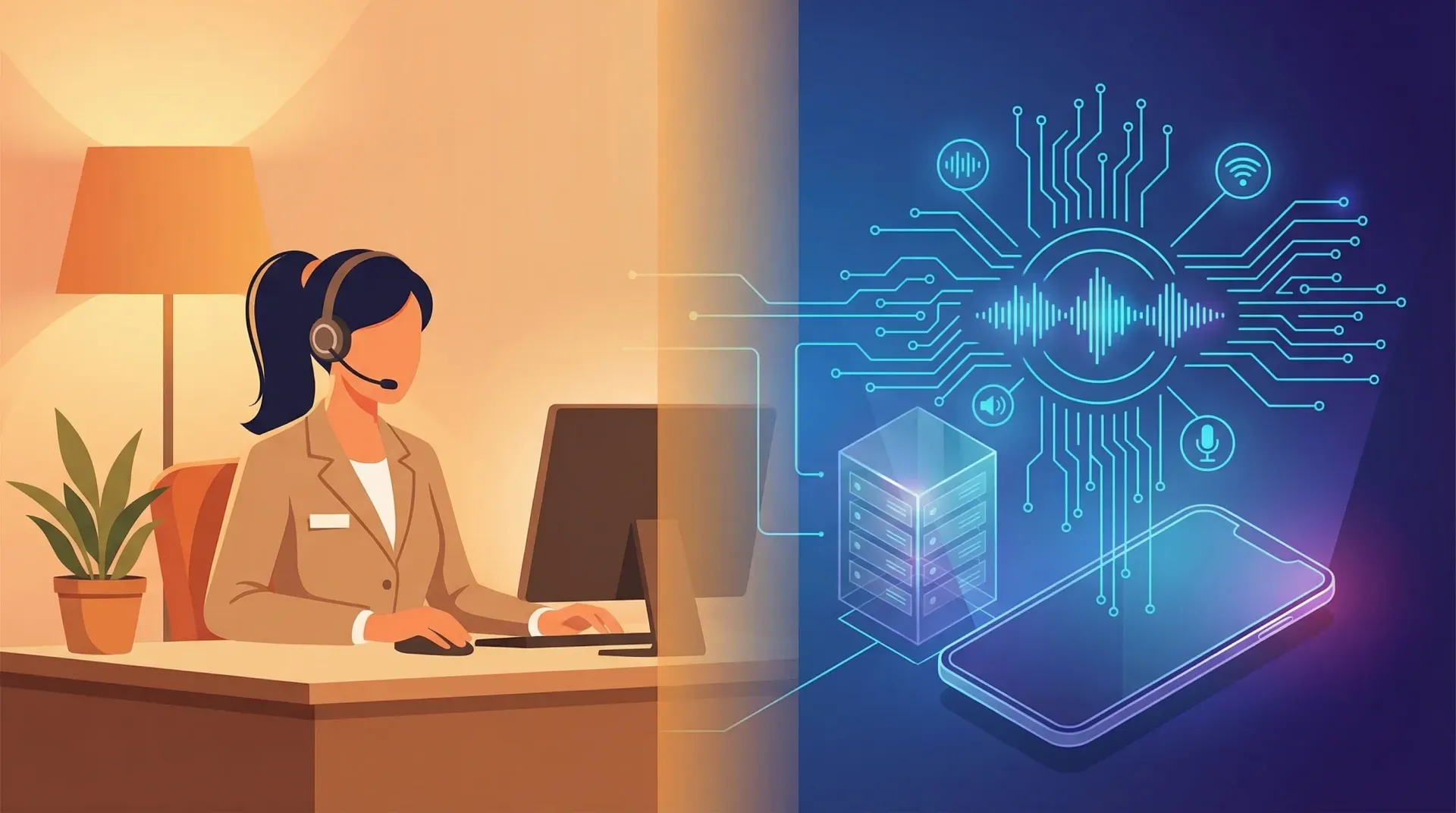
A medical centre in Hamilton. The receptionist is on the phone with a patient querying their repeat prescription. Two more calls are holding. A walk-in patient stands at the counter with a referral letter. The third caller on hold gives up and rings the practice down the road.
This is not a story about AI replacing anyone. It is a story about whether one person can physically cover a job that requires being in three places at once.
I have written separately about why the AI-replacing-jobs narrative misses the mark for sole operators who never had a receptionist. This post is for a different audience: businesses that already have reception needs, or are weighing up whether to hire for the role. For NZ SMBs with five to fifty staff, the question is no longer "AI or human." It is "what combination of both gives the best coverage at a cost you can justify."
What does a human receptionist actually cost an NZ business?
The salary is the easy part. Seek NZ lists the median receptionist salary between $45,000 and $55,000 depending on region and experience. Auckland and Wellington sit at the higher end. Provincial centres trend lower.
The real cost sits above the salary line. Every NZ employer must contribute a minimum 3% KiwiSaver on top of gross pay. ACC levies add another 0.6% to 2.5% depending on your industry classification. Then factor in four weeks of annual leave, 10 days of sick leave (since the Holidays Amendment Act 2021), statutory holidays, training time, equipment, and the management overhead of having someone in the role.
When you add those together, the true annual cost of a full-time receptionist in New Zealand lands between $62,000 and $82,000. The common multiplier is 1.3 to 1.5 times the base salary. I have seen this range confirmed repeatedly across the SMBs I work with.
What that money buys you is roughly 1,800 hours of coverage per year. That sounds like a lot until you measure it against the 8,760 hours in a year. Your receptionist covers 20% of the available hours. The other 80%, evenings, weekends, public holidays, lunch breaks, sick days, is unattended.
What does an AI receptionist cost in New Zealand?
Two pricing models dominate the NZ market. Off-the-shelf SaaS products, where you subscribe to a preconfigured voice AI service, typically cost between $50 and $200 per month. That puts the annual cost at $600 to $2,400. You get 24/7 call answering, basic appointment booking, FAQ handling, and call summaries delivered by email or SMS.
For businesses with specific requirements, CRM integration needs, custom qualification flows, or multi-branch routing, a bespoke voice AI build is the better path. The upfront cost ranges from $8,000 to $25,000 depending on complexity, with monthly operating costs of $100 to $300. Year-one total sits around $10,000 to $28,000 for a bespoke system, dropping to $1,200 to $3,600 annually from year two onward.
What that money buys you is 8,760 hours of coverage per year. Every hour. Every day. Simultaneous calls handled without a queue. No KiwiSaver. No ACC. No leave. No sick days.
The honest caveat: setup takes time. An off-the-shelf product can be live within 48 hours, but it needs tuning over the first few weeks as you refine the responses. A bespoke build takes two to four weeks from scoping to deployment. Neither is plug-and-forget on day one.
What can a human receptionist do that AI cannot?
This section matters more than the cost comparison, because cost alone is a poor decision framework. A human receptionist brings capabilities that no AI system can replicate today.
Complex emotional interactions. A distressed patient calling a medical centre, an angry customer escalating a complaint, a bereaved family contacting a funeral home. These situations require empathy, tone-reading, and the ability to deviate from any script. A skilled receptionist de-escalates through presence, not procedure.
Physical tasks and walk-in management. Greeting visitors, signing for deliveries, managing a waiting room, handing over a form, making a cup of tea for a client who has just arrived early. AI handles phone calls. It does not handle the front door.
Judgement in ambiguous situations. When a caller's request does not fit any category, a human receptionist improvises. They know that when the senior partner's wife calls, it goes through immediately. They know that the courier always comes at 2pm and the door needs to be unlocked. This institutional knowledge accumulates over months and years, and it matters.
Genuine rapport with regulars. In industries where clients visit repeatedly, a familiar face at reception builds trust. The receptionist who remembers a client's name, asks about their kids, notices they look unwell. This is relationship infrastructure that compounds over time.
Where does emotional intelligence still matter most?
Some industries carry higher emotional stakes at the reception point. Medical and dental practices deal with anxious patients. Legal firms handle sensitive and sometimes distressing client matters. Counselling practices and funeral services require a level of care at first contact that sets the tone for everything that follows.
In these contexts, a human receptionist is not a cost centre. They are part of the service.
What can an AI receptionist do that a human cannot?
The advantages run in a different direction entirely.
Answer every call simultaneously. A human receptionist handles one call at a time. A second call goes on hold. A third might ring out. AI answers every call the moment it comes in, regardless of how many are in progress. During peak periods, open home weekends for real estate, Monday mornings for medical practices, tax season for accountants, this is the difference between capturing enquiries and losing them.
Work every hour of every day. There is no roster gap. No lunch break. No public holiday closure. The after-hours call from a tenant with a burst pipe, the Saturday enquiry from someone comparing providers, the Sunday evening voicemail that nobody checks until Monday. AI catches all of it.
Capture structured data every time. Every call produces a consistent record: caller name, phone number, reason for calling, urgency classification, and any details captured during the conversation. No variation between staff members. No illegible message slips. No forgotten details.
Respond with perfect consistency. The AI gives the same quality of response on its thousandth call as its first. It does not have bad days. It does not get tired at 4:30pm on a Friday. Every caller gets the same level of attention.
How does AI handle after-hours and weekend calls?
This is where AI wins outright, because a human receptionist simply is not there. The data on missed calls is well established: the vast majority of callers who reach voicemail hang up, and most will not try again. For businesses where after-hours calls carry real revenue or safety implications, property management emergencies, trades callouts, medical triage, the coverage gap between 5pm and 8am is where the most value leaks.
An AI receptionist closes that gap entirely. It answers, qualifies, captures, and routes. Urgent calls can be escalated to an on-call mobile. Everything else is queued and summarised for the morning.
How do the two compare on day-to-day reception tasks?
Rather than abstract capabilities, here is how the two stack up across the tasks a receptionist actually performs.
Answering inbound calls. AI wins on volume and availability. A human wins on nuance and the ability to read context that a caller has not stated explicitly. For routine calls, AI is faster and more reliable. For complex or sensitive calls, a human is better.
Taking messages and routing calls. AI wins on consistency. Every message is captured in the same structured format. A human might write "John called about the invoice" on a sticky note. AI captures John's full name, number, which invoice, and whether it is urgent.
Booking appointments. Roughly equal, with AI winning on availability. If your booking system has an API, AI can book directly into the calendar at 9pm on a Sunday. A human can only do this during work hours.
Answering common questions. AI wins. Opening hours, service areas, pricing ballparks, directions. These are the questions that eat up a receptionist's time and are perfectly suited to automation.
Handling complaints and de-escalation. Human wins clearly. An angry caller needs to feel heard, not processed. AI can capture the complaint details, but it cannot provide the empathetic response that defuses a situation.
Greeting walk-in visitors. Human wins by default. AI does not have a physical presence. If your business has foot traffic, you need a person at the desk.
Managing multi-channel communication. Depends on the setup. AI can handle phone and SMS. A human can handle phone, email, walk-ins, and the courier at the door, all within the same minute.
Data entry and admin follow-up. AI wins on accuracy and speed for phone-sourced data. A human is more flexible for ad hoc tasks that fall outside the call-handling workflow.
What does a hybrid approach look like in practice?
For most NZ SMBs I work with, the answer is not either/or. It is a combination designed around actual call patterns and business needs.
Can AI handle overflow when the receptionist is busy?
This is the most common hybrid model. Your receptionist handles calls during business hours as normal. When they are already on a call, or away from the desk, AI catches the overflow. After hours, AI takes over completely.
The receptionist focuses on what they do best: walk-in visitors, complex calls, multi-tasking across non-phone duties. AI handles the volume that one person physically cannot cover. No more hold queues. No more missed calls while the receptionist is at lunch.
What about reducing reception hours instead of eliminating them?
Some businesses find that a part-time receptionist plus full-time AI gives better coverage at lower cost. Mornings only, when walk-in traffic peaks. Or three days a week, with AI covering the other two. This cuts the salary cost by 40 to 60 percent while maintaining human coverage for the periods that need it most.
A legal firm in Tauranga might keep their receptionist for Monday to Wednesday, when most client meetings are scheduled, and let AI handle Thursday through the weekend. An accounting practice in Christchurch might go full AI outside of tax season, then bring in temp reception staff for the March-to-July rush.
What NZ-specific factors should you consider?
The comparison looks different in New Zealand than it does in Australia or the US, and the differences matter.
NZ English and te reo Maori place names. Any AI system deployed in New Zealand must handle local pronunciation correctly. Paraparaumu, Whanganui, Ngaio, Taumarunui, Pakuranga. A system that stumbles on these loses caller confidence immediately. Always test with your local suburb names before committing to a provider.
Privacy Act 2020. AI call recording and data capture must comply with New Zealand's privacy framework. Callers should be informed that calls are recorded. Data must be stored securely, retained only as long as necessary, and accessible to the individual on request. Medical practices face the additional requirements of the Health Information Privacy Code.
Employment law. If you are restructuring an existing reception role to introduce AI, New Zealand's Employment Relations Act applies. This means consultation with affected employees, genuine consideration of alternatives, and proper process. The 90-day trial period provisions do not apply to restructuring an existing role. Get employment law advice before making changes that affect someone's position.
NZ business culture. New Zealand businesses tend to be smaller and less formal than their Australian or US counterparts. In many industries, clients expect to know their service providers by name. The receptionist at your GP practice is part of the experience. This cultural factor weighs more heavily in some industries than others, and it is worth considering honestly rather than dismissing.
Which NZ industries benefit most from each approach?
Based on the businesses I work with across New Zealand, here is how the recommendation typically lands.
Medical and dental practices. Hybrid. Walk-in patients need a human face at reception. But after-hours triage, appointment booking, and repeat prescription queries are well suited to AI. The combination reduces pressure on reception staff during busy clinics while ensuring no call goes unanswered outside hours.
Legal firms. Hybrid. Client sensitivity demands a human for most in-person interactions and complex phone calls. AI handles overflow, after-hours enquiries, and the initial intake questions that a receptionist asks every new caller.
Accounting practices. AI-primary outside of peak season, hybrid during tax time. Most inbound calls are routine: appointment bookings, document upload queries, deadline questions. AI handles these efficiently year-round. During the March-to-July rush, human reception provides the capacity buffer.
Trades businesses with office staff. Hybrid or AI-primary depending on walk-in traffic. I built a system for Easy Flow Plumbing that handles the entire inbound workflow. For trades businesses where the "office" is really just a phone and a van, AI-primary makes sense.
Property management. AI-primary. High call volumes, significant after-hours demand (tenant emergencies, maintenance requests), and the need for structured data capture make this sector a natural fit. The Brenda Currie case study shows how voice AI handles 180 properties after-hours, classifying urgency and dispatching contractors automatically.
Real estate agencies. Hybrid. Agents are in the field most of the day, and voice AI captures every enquiry while they are running open homes or listing presentations. Office reception handles walk-ins and complex vendor conversations.
How do you make the switch without disrupting your business?
The businesses that transition smoothly follow a phased approach rather than a hard switch. I use a variation of the three-phase model for most reception AI deployments.
Weeks 1 to 2: Audit your current call patterns. Before changing anything, understand what you are working with. Log every call for two weeks. Record the time, the type of enquiry, whether it was routine or complex, and whether it was answered or missed. This data tells you exactly where AI adds value and where a human is essential.
Weeks 3 to 4: Deploy AI for after-hours calls only. Start with the hours nobody is covering. This carries zero risk to your existing workflow and immediately closes the biggest gap. Use this period to tune the AI's responses, refine the qualification questions, and build confidence in the system.
Weeks 5 to 8: Expand AI to handle overflow during business hours. With after-hours working smoothly, route calls to AI when your receptionist is already on the phone or away from the desk. The receptionist continues handling everything they can. AI catches what would otherwise go to hold or voicemail.
Month 3 onward: Evaluate and adjust. Review the data. How many calls is AI handling? What is the caller satisfaction? Has the receptionist's workload shifted toward higher-value tasks? Based on the answers, decide whether to maintain, expand, or restructure the human reception component.
The right answer is not which is better in the abstract. It is which combination of human and AI coverage matches your business's actual call patterns, client expectations, and budget. For most NZ SMBs, the answer lands somewhere in the middle: AI for the volume and the hours that a human cannot cover, a human for the interactions that require one.
If you want to scope what this looks like for your specific business, get in touch. I offer a fixed-fee discovery phase that maps your call patterns and recommends the right approach, whether that is an off-the-shelf product, a bespoke build through EmbedAI, or a combination of both. If you are still working out whether AI fits your business at all, start with how to choose the right AI consultant in NZ.
Frequently asked questions
- Is it legal to use an AI receptionist in New Zealand?
Yes. There are no NZ laws prohibiting AI phone answering. However, businesses must comply with the Privacy Act 2020 regarding call recording and data collection. Medical practices must also meet Health Information Privacy Code requirements. Informing callers they are speaking with an AI system is considered good practice, though not currently a legal requirement in New Zealand.
- How much does an AI receptionist cost compared to hiring in NZ?
An off-the-shelf AI receptionist costs $50 to $200 per month ($600 to $2,400 per year). A bespoke voice AI build runs $8,000 to $25,000 upfront plus $100 to $300 per month. A full-time human receptionist costs $62,000 to $82,000 per year when you include KiwiSaver, ACC, leave, and overheads. Most NZ SMBs find the best value in a hybrid model combining part-time human coverage with AI.
- Can an AI receptionist handle New Zealand accents and place names?
Modern voice AI trained on NZ English handles local accents, Maori place names, and regional terminology reliably. Systems built on NZ-tested speech recognition accurately process suburbs like Paraparaumu, Whanganui, and Pakuranga. Always test any system with your local place names before committing to a provider.
- Will my existing receptionist lose their job if I add AI?
Not necessarily. Most NZ businesses that add AI reception do so to handle overflow and after-hours calls, not to replace staff. In a hybrid model, the receptionist focuses on walk-in visitors, complex calls, and tasks that require a human presence. If you are considering restructuring the role, New Zealand employment law requires proper consultation and process.
- Which NZ industries benefit most from an AI receptionist?
Property management, trades businesses with office staff, and accounting firms see the strongest returns because of high routine call volumes and significant after-hours demand. Medical and legal practices benefit from hybrid models where AI handles overflow and after-hours triage while human receptionists manage in-person interactions and sensitive conversations.