A blocked drain does not wait for business hours. Neither does a burst pipe under the kitchen, a hot water cylinder that has given up on a Sunday, or a landlord who needs a compliance job sorted before settlement. The customer rings, and one of two things happens. Either someone answers, or they scroll down to the next plumber on the list.
AI phone answering is the part of the trade that has quietly become solvable. For a New Zealand plumber spending most of the day on the tools, a voice agent now answers every call, holds a real conversation, works out what the job is, and sends through a clean summary before the customer has hung up. This is not a phone tree. It is closer to having a sharp receptionist who knows your business and never goes home.
This guide covers what AI phone answering actually does on a plumbing call, how a typical call runs start to finish, what it costs against the alternatives, and how to set it up without touching your existing number.
What does AI phone answering actually do for a plumber?
AI phone answering picks up calls in your business name, has a natural conversation with the caller, captures the job details and urgency, and either books the work or escalates it to you. It runs day and night, handles several calls at once, and never sends a paying customer to voicemail because you were under a house.
The old version of this was an automated menu. Press one for bookings, press two for accounts, press nothing because the customer has already hung up. Voice AI is a different animal. It listens, asks the questions a good receptionist would ask, and adapts to what the caller says rather than forcing them down a script.
For a plumber, that means the agent can tell the difference between "I want a quote on a bathroom reno" and "there is water coming through my ceiling right now". One becomes a booked enquiry. The other becomes a phone call to you within seconds. We unpacked the wider shift in how AI is changing the trades industry in New Zealand, but the plumbing case is the cleanest example of it.
What does a typical plumbing call look like end to end?
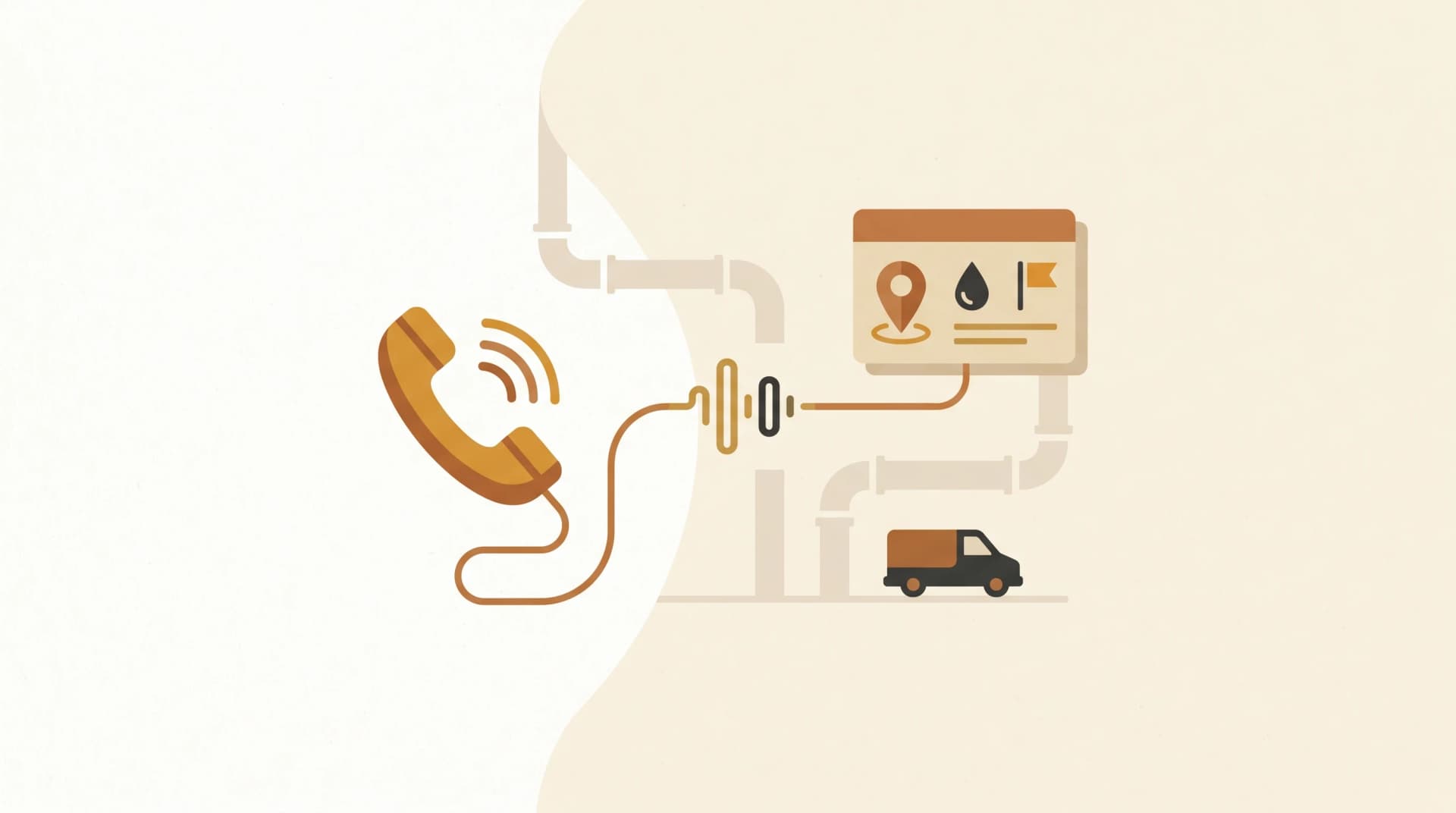
A typical call runs from greeting to summary in under two minutes, with the caller doing most of the talking. The agent answers in your business name, finds out what the problem is, gathers the details you need to quote or dispatch, and confirms the next step. You receive the whole thing as a text and an entry in your job software.
Here is the sequence on a standard enquiry.
- The customer rings your existing number. The agent answers within two rings, in your business name.
- The caller describes the problem in their own words. "Kitchen tap's been dripping for a week and now it won't turn off."
- The agent asks the questions that matter: the address, whether the water is currently running, access details, and how urgent it is.
- It works out whether this is routine or an emergency, and routes accordingly.
- It confirms the details back to the caller and tells them what happens next.
- You get a structured summary by text, and the job lands in your scheduling tool with full context.
No phone tag. No half-remembered voicemail. No ringing the customer back twice to get the address right. By the time you look at your phone between jobs, the work is already captured and prioritised. If you want the deeper comparison with hiring a person to do this, we covered it in AI receptionist versus a human receptionist.
How does the agent tell an emergency from a routine job?
The agent tells an emergency from a routine job by listening for the markers that signal urgency: active water, no water, gas, sewage, or a vulnerable occupant. When it hears one, it escalates immediately rather than adding the job to the booking queue. You set the rules, and the agent applies them on every call without fail.
This is the part that earns its keep for a plumber, because the cost of treating an emergency like a routine booking is enormous. A burst pipe logged as a "next available appointment" is a flooded house and a furious customer.
| Call type | What the agent does | What you receive |
|---|---|---|
| Active flooding or burst pipe | Flags as urgent, attempts to reach you immediately | Phone call or priority text within seconds |
| No hot water, after hours | Captures detail, marks high priority | Text summary, flagged for first callback |
| Routine quote or booking | Books or schedules into your normal flow | Standard job entry, no interruption |
| Tyre-kicker or wrong number | Captures detail, files without alerting you | Logged summary you can review later |
The rules are yours to set. A plumber who runs 24/7 emergency callouts will route differently from one who wants a quiet weekend unless it is genuinely urgent. The agent does what you tell it, every time, which is more than can be said for a tired human at the end of a long Friday.
What does it capture into your job software?
The agent captures a structured record of every call: the customer's name and number, the address, a plain description of the problem, the urgency level, and any access notes. That record flows into your scheduling tool as a job, so you are not retyping anything from a voicemail or a scribbled note on a timber offcut.
This is where AI phone answering stops being "a fancy answerphone" and starts being part of how the business runs. Each call becomes clean data. Over a few months you can see which suburbs ring most, what jobs come in after hours, and how many enquiries you were quietly losing before. We put a number on that leak in what missed calls actually cost a NZ trades business, and it is larger than most plumbers expect.
The structured record also means a smoother quote. When you ring back, you already know it is a leaking mains connection at a two-storey place in Newlands with side access and a dog. You sound prepared because you are.
How much does AI phone answering cost a plumber?
AI phone answering for a plumber typically runs $200 to $500 a month depending on call volume, against $45,000 to $55,000 a year for a full-time receptionist or nothing at all for voicemail that loses you work. It answers around the clock, scales instantly when calls spike, and does not take sick days or leave.
The honest comparison is not AI against a receptionist. Most sole operators and small teams were never going to hire a receptionist anyway. The real comparison is AI against voicemail, and voicemail loses. Most callers with a problem will not leave a message. They hang up and dial the next name.
Set the monthly cost against the value of the work it recovers and the maths is not close. One booked hot water cylinder replacement tends to cover the agent for the year. Everything after that is work you would otherwise have never known about.
How do you set it up without losing your number?
You set it up by keeping your existing number and pointing your calls at the agent, either all calls or only the ones you miss. Nothing about your advertising, your van, or your Google listing changes. The number customers already know stays exactly the same, and the agent sits behind it.
There are two common configurations, and most plumbers start with the second.
Getting AI phone answering live for your plumbing business
1. Decide on full or overflow answering.
Full answering routes every call to the agent first. Overflow only sends the calls you do not pick up. Start with overflow if you want to keep answering the easy ones yourself.
2. Keep your existing number.
You divert calls to the agent rather than replacing your number. Your marketing, signage, and listings stay untouched.
3. Load your business basics.
Service area, the jobs you do and do not take, rough pricing guidance, and your emergency rules. This is what makes the agent sound like your business rather than a generic service.
4. Set your escalation rules.
Define what counts as urgent and how you want to be reached. Phone call, text, or both.
5. Test it with real calls.
Ring it yourself. Have your partner ring it. Listen back, tune the questions, and only then put it in front of customers.
Most plumbing setups are live within a day or two. The bulk of the work is not technical, it is writing down how your business already handles calls so the agent can do the same. If you want a hand mapping that out, CallCover is built specifically for this, and our trades and SME page shows how it sits alongside the rest of your tools.
The pipe will keep bursting on Sunday afternoons. The difference is whether the call gets answered or goes to the next plumber.
Frequently asked questions
- Will an AI agent work with my existing plumbing number?
Yes. You keep your current number and divert calls to the agent, either all of them or only the ones you miss. Your signage, van, and Google listing stay the same. Customers ring the number they already know and the agent answers behind it.
- Can it handle a real plumbing emergency correctly?
Yes, when you set the rules. The agent listens for urgency markers like active water, no water, gas, or sewage, and escalates those to you immediately rather than booking them as routine. You decide what counts as urgent and how you want to be reached.
- Will customers know they are talking to AI?
Some will, some will not, and for most it does not change the outcome. Callers care that someone answered, understood the problem, and gave a clear next step. A well-configured agent delivers all three, which is why many callers do not realise or do not mind.
- How long does it take to set up?
Most plumbing setups are live within one to two days. The time goes into loading your service area, the jobs you take, your pricing guidance, and your emergency rules, then testing with real calls before customers ever reach it.
- Does it integrate with scheduling tools like Fergus or Tradify?
In most cases, yes. The agent captures a structured job record that can flow into common trades scheduling tools, so calls land as jobs with the address, problem, and urgency already filled in rather than as a voicemail you have to transcribe yourself.